> For the complete documentation index, see [llms.txt](https://docs.freeflysystems.com/llms.txt). Markdown versions of documentation pages are available by appending `.md` to page URLs; this page is available as [Markdown](https://docs.freeflysystems.com/flying-sun/flight-operations/safety.md).
# Safety
This page outlines the operational hazards and potential disruptions you may encounter in flight
## Operational Hazards
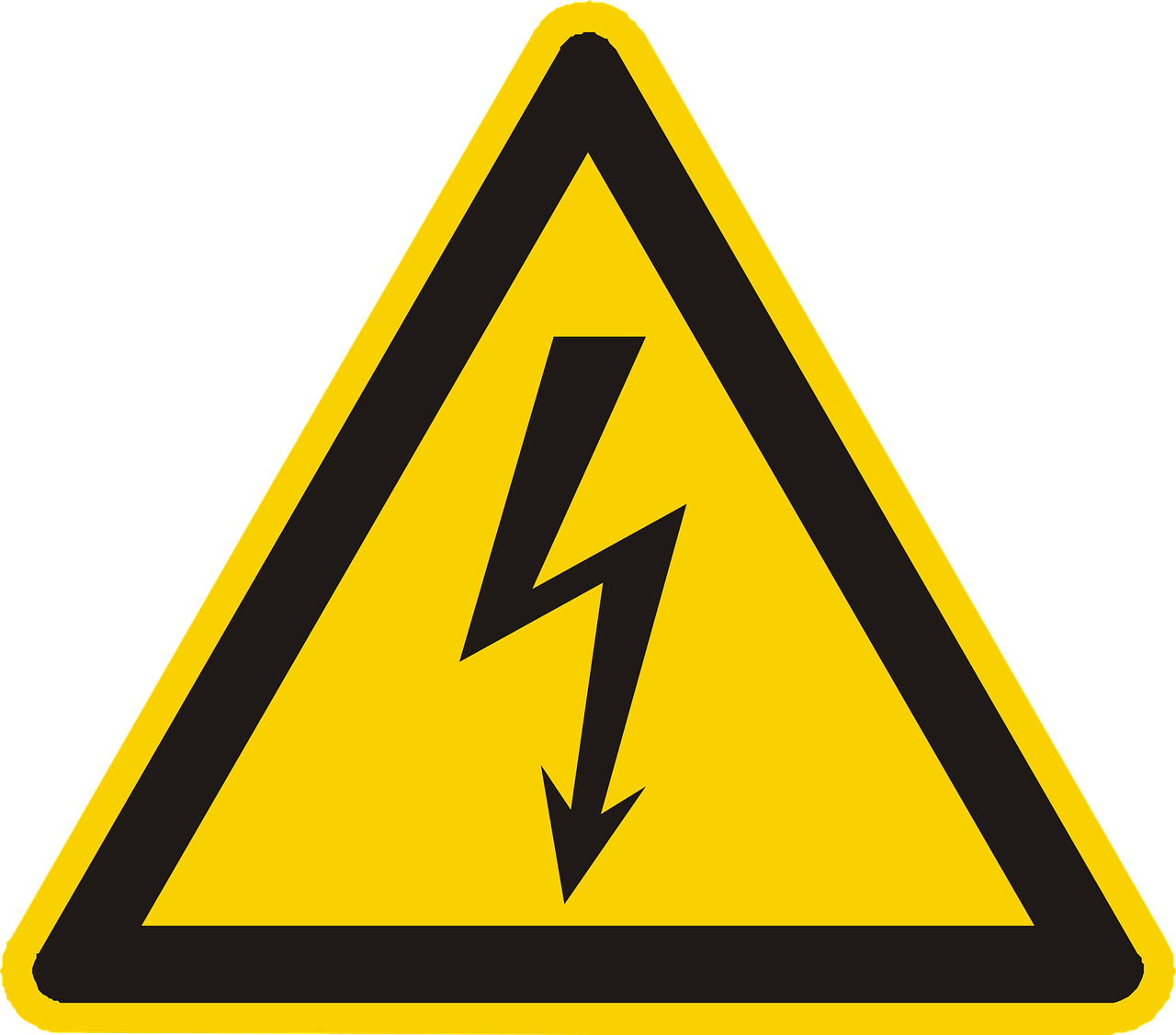
### High voltage
Beware of tether cable and Air Unit during operation, do not touch tether cable, tether air unit, or FS500 aircraft when HV is enabled.
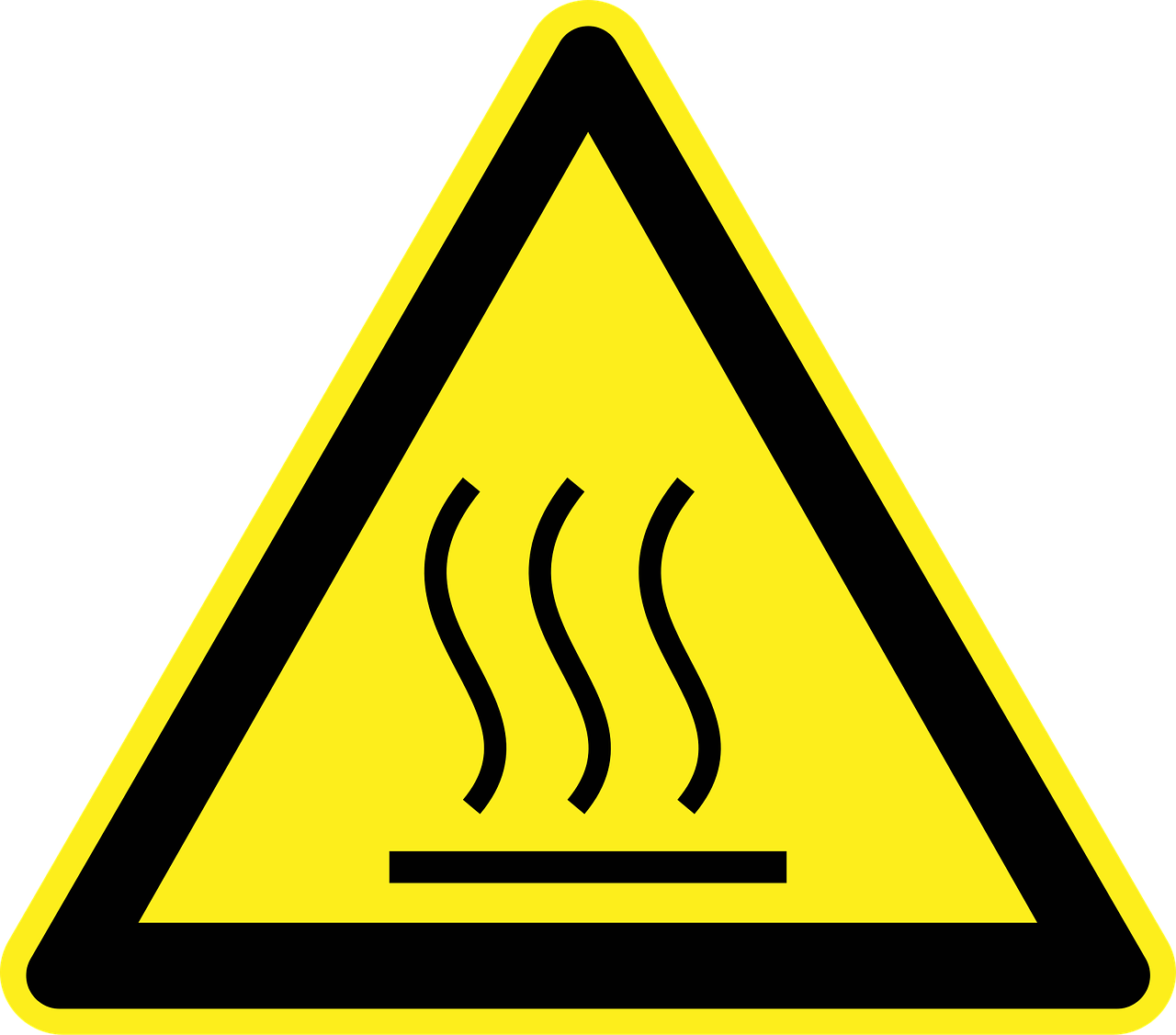
### Hot Surface
Beware of Light panels and Air unit.
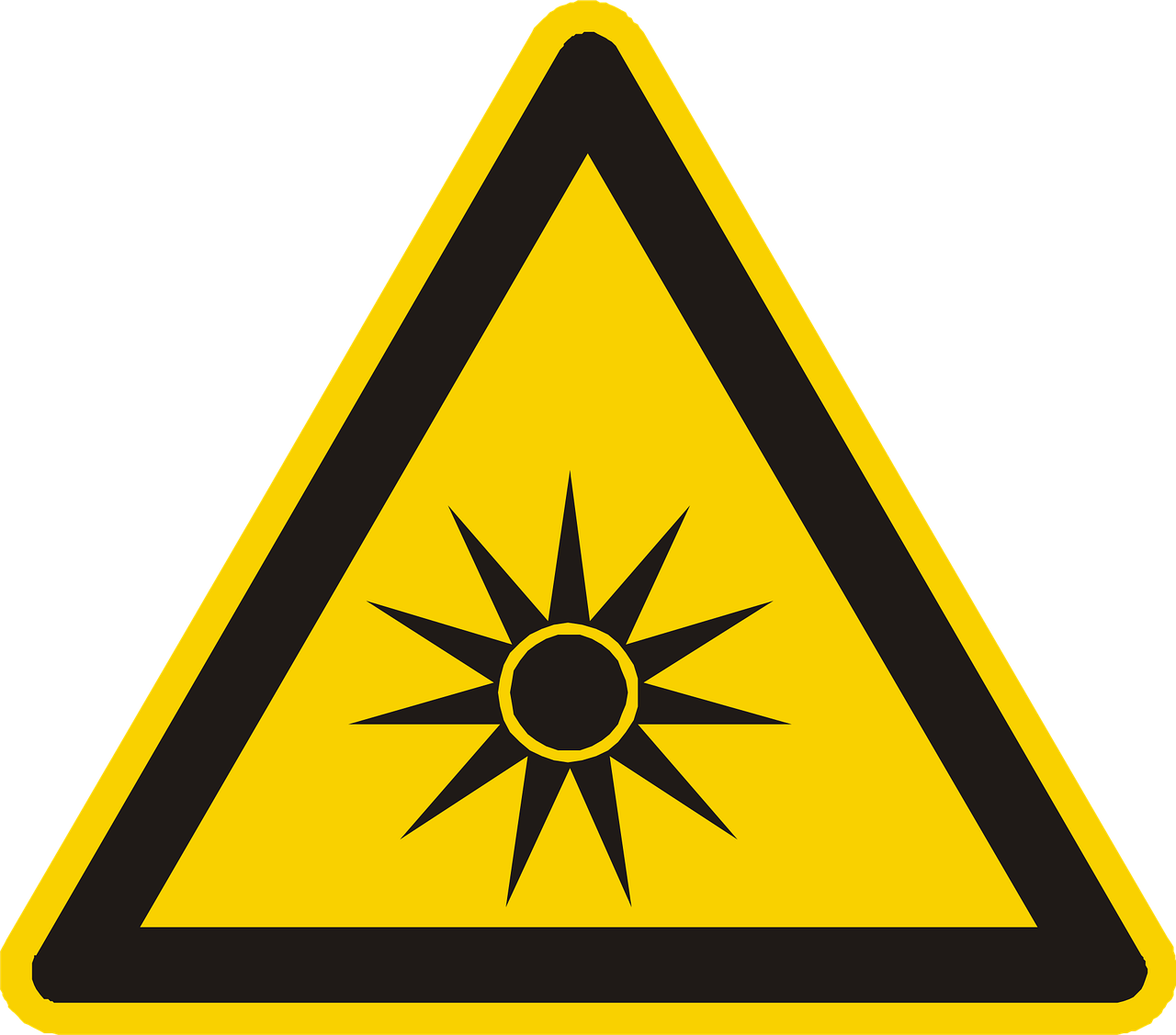
### Bright Light
Beware of bright light while being under the drone. Sun glasses are included in FS500 case.
## Potential In-Flight Disruptions
Pilots should be aware of potential disruptions in-flight, and be prepared to take appropriate actions
| Disruption | Cause | Resolution |
| ---------------------------------------------- | -------------------------------------------------------------------------------------------------------------------------------------------------------------------------------------------------------------------------- | --------------------------------------------------------------------------------------------------------------------------------------------------------------------------------------------------------------------------------------------------------------------------------------------------------------------------------------------------------------------------------------------------------------------- |
| **Tether overcurrent** | When tether over currents, it may shut down, and Flying Sun will rely on a single SL8. AMC will announce "battery failsafe", and tether ground unit will alarm. | In the event of tether overcurrent, aircraft will return to launch after a 5 second hold. During which pilot can switch to position mode and land manually if they choose so. |
| **Tether overextension** | The tether cable is 110 m long. The ground unit alarm sounds above 95 m of extension and stops below 95 m. | In the event of tether overextension, slowly fly back towards the tether until tether alarm stops. |
| **Tether oscillation** | Tether ground unit actively keeps cable tension by regulating the retraction torque. | In the event of tether oscillation, increase aircrafts altitude to create tension in cable. Do not hover still. |
| **Power source shutdown** | If the power source of the tether ground unit shuts down, the tether will stop supplying high voltage to the aircraft, aircraft will rely on a single SL8. At the same time tether Ground Unit will sound a beeping alarm. | In the event of power source shutdown, aircraft will return to launch after a 5 second hold. During which pilot can switch to position mode and land manually if they choose so. |
| **Flying Sun App losing connection to tether** | It's important to monitor the tether output power in flying sun app during flight, in some instances the app may lose connection to the tether. | If this occurs, point the Pilot Pro towards the tether and wait for reconnection. |
| **Tether entanglement** |
While flying a tether drone, always be aware of the tether cable.
Avoid flying over tall obstacles
Avoid flying near trees
Notify other pilots of your tether
|
In the event of tether entanglement:
Turn off HV via Flying Sun app
Turn off Ground Unit main breaker and backup power
Fly FS500 away from the obstacle
Attempt to land
If landing is impossible, make sure no one is under the drone and press the kill switch on pilot pro
Contact Freefly and tell us about your experience
|
| **Precipitation** | FS500 is powered by a high voltage tether that should not be used in the rain | In the event of rain, please land and shutdown high voltage immediately. |
---
# Agent Instructions
This documentation is published with GitBook. GitBook is the documentation platform designed so that both humans and AI agents can read, navigate, and reason over technical content effectively. Learn more at gitbook.com.
## Querying This Documentation
If you need additional information that is not directly available in this page, you can query the documentation by asking a question.
Perform an HTTP GET request on the following URL with the `ask` and `goal` query parameters:
```
GET https://docs.freeflysystems.com/flying-sun/flight-operations/safety.md?ask=&goal=
```
`ask` is the immediate question: it should be specific, self-contained, and written in natural language.
`goal` is what the user is ultimately trying to achieve, the reason they need the answer. Sharing it helps GitBook give you a better, more relevant answer. A goal is most helpful when it describes the outcome the user wants rather than restating the question. For example, with `ask=how do I create an API token`, a goal like `automate deployments from our CI pipeline` lets GitBook tailor the answer to that use case.
The response will contain a direct answer to the question and relevant excerpts and sources from the documentation.
Use this mechanism when the answer is not explicitly present in the current page, you need clarification or additional context, or you want to retrieve related documentation sections.