> For the complete documentation index, see [llms.txt](https://docs.freeflysystems.com/llms.txt). Markdown versions of documentation pages are available by appending `.md` to page URLs; this page is available as [Markdown](https://docs.freeflysystems.com/ecosystem/software/auterion-mission-control/amc-vehicle-setup.md).
# AMC - Vehicle Setup
## Summary
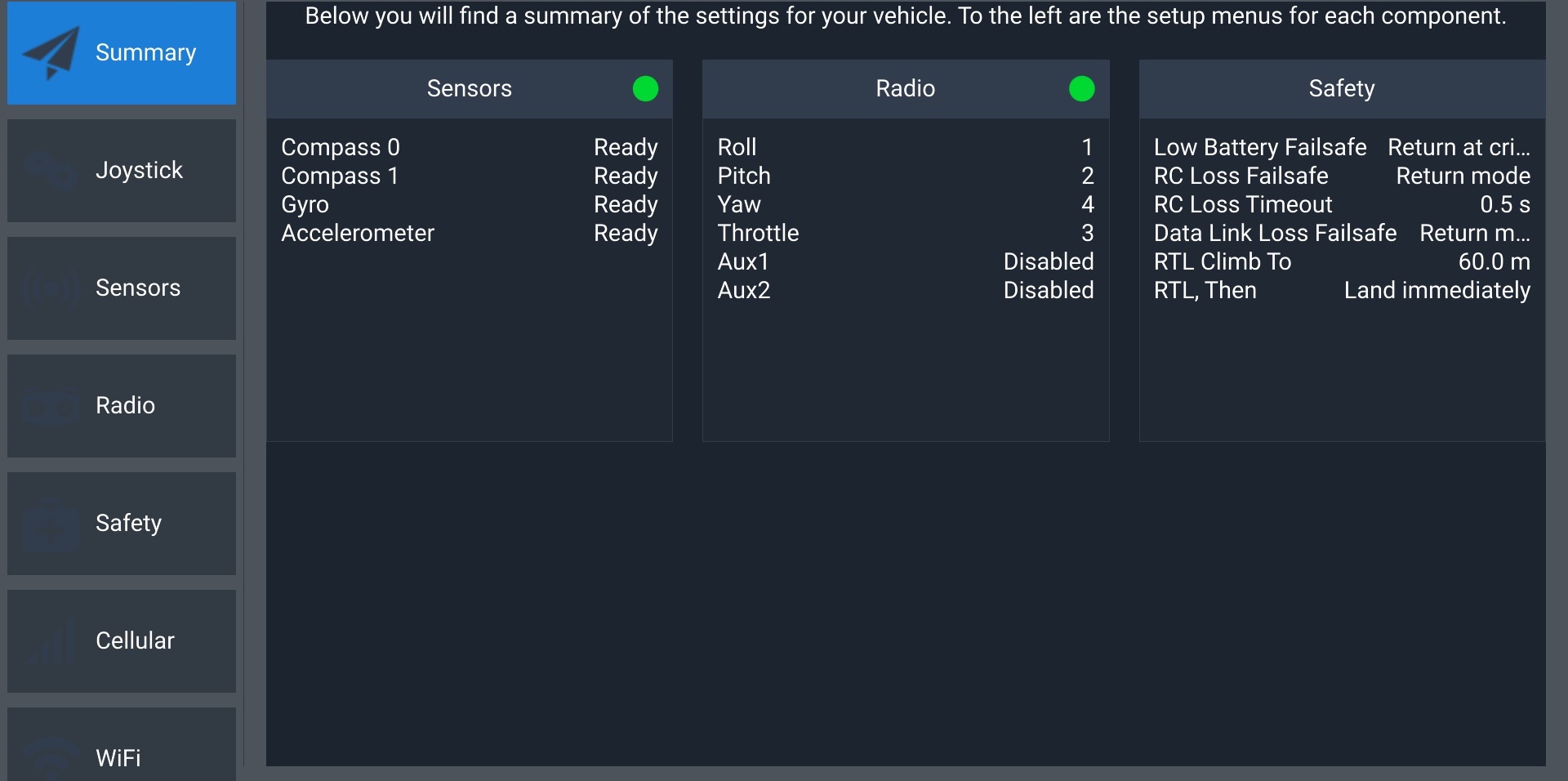
Provides a brief overview of the main vehicle setup bullet-points that pilots should consider before takeoff. If there is an issue with the sensors or radio, the green dots seen below will instead be red.
## Joystick
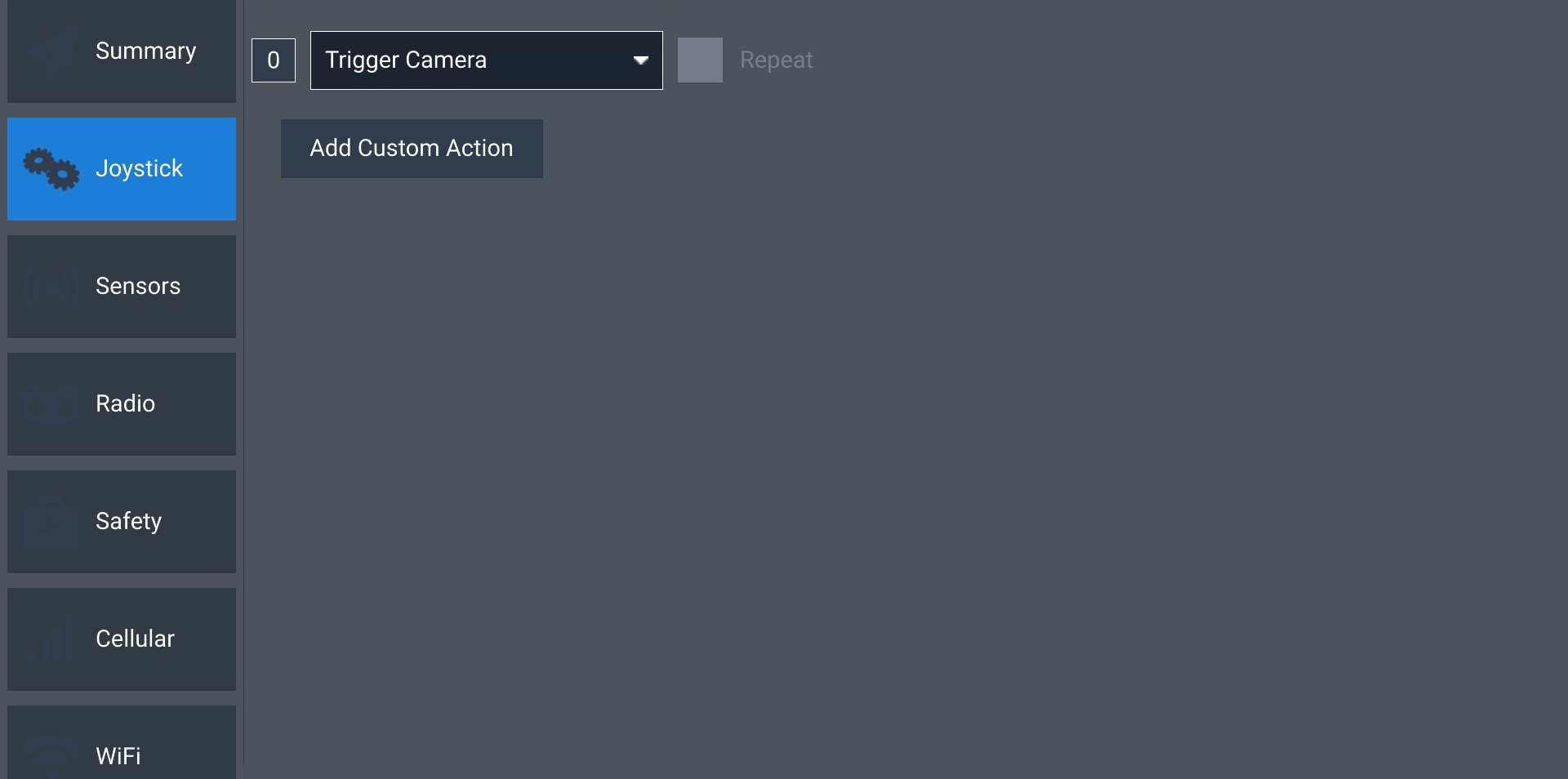
Currently, the only functionality of this screen is to change and test the functionality of the physical button on the top-right corner of the controller.
Use the dropdown to select the functionality of the button. Watch the box with the 0 in it while pressing the button to verify that it is working.
## Sensors
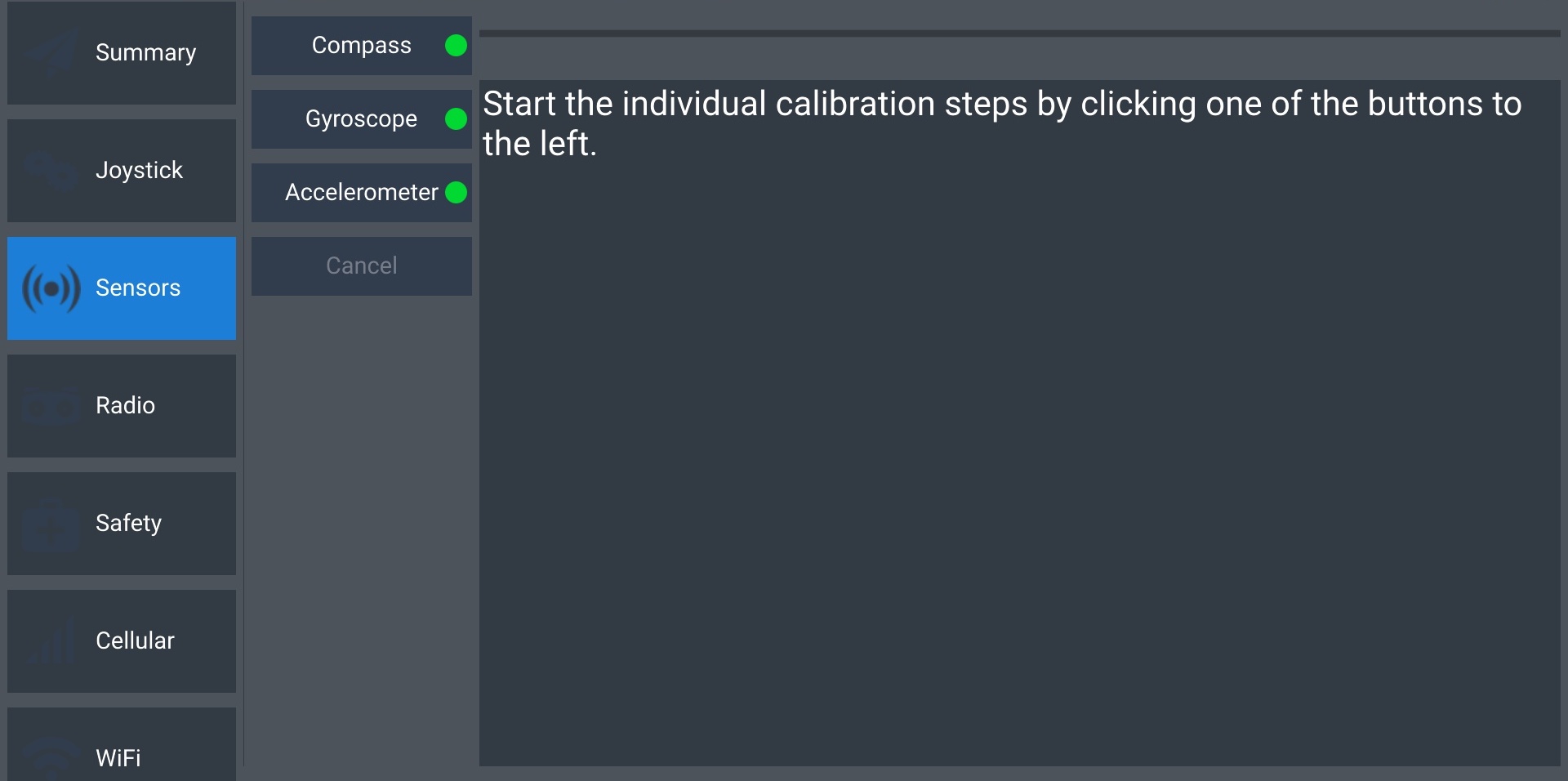
Select Compass, Gyroscope, or Accelerometer to recalibrate. Calibration is recommended for any sensors marked with a red dot.
## Radio
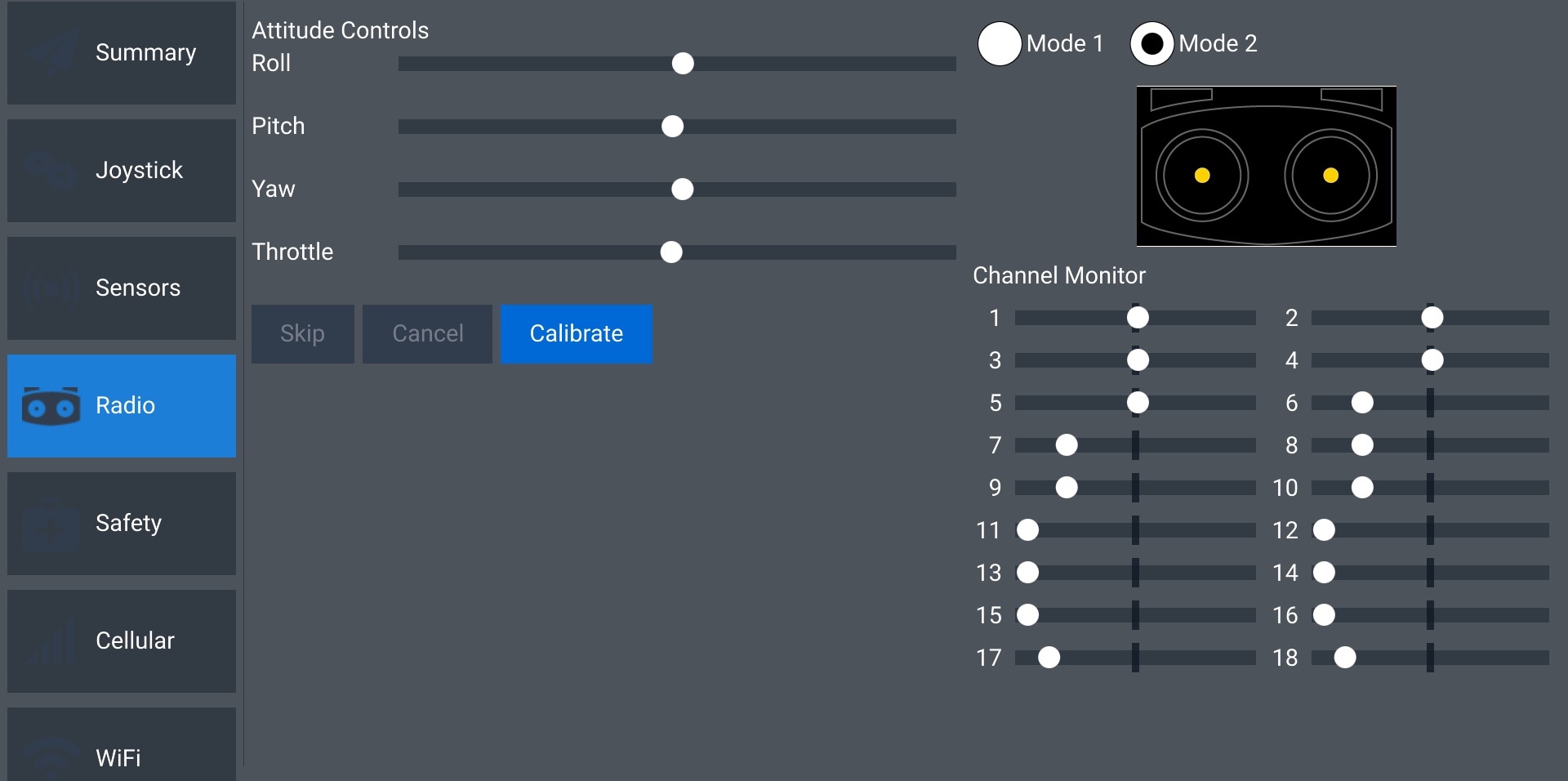
Displays a live view of the radio inputs. Allows you to switch between Mode 1 and Mode 2 control schemes (Mode 2 recommended).
## Safety
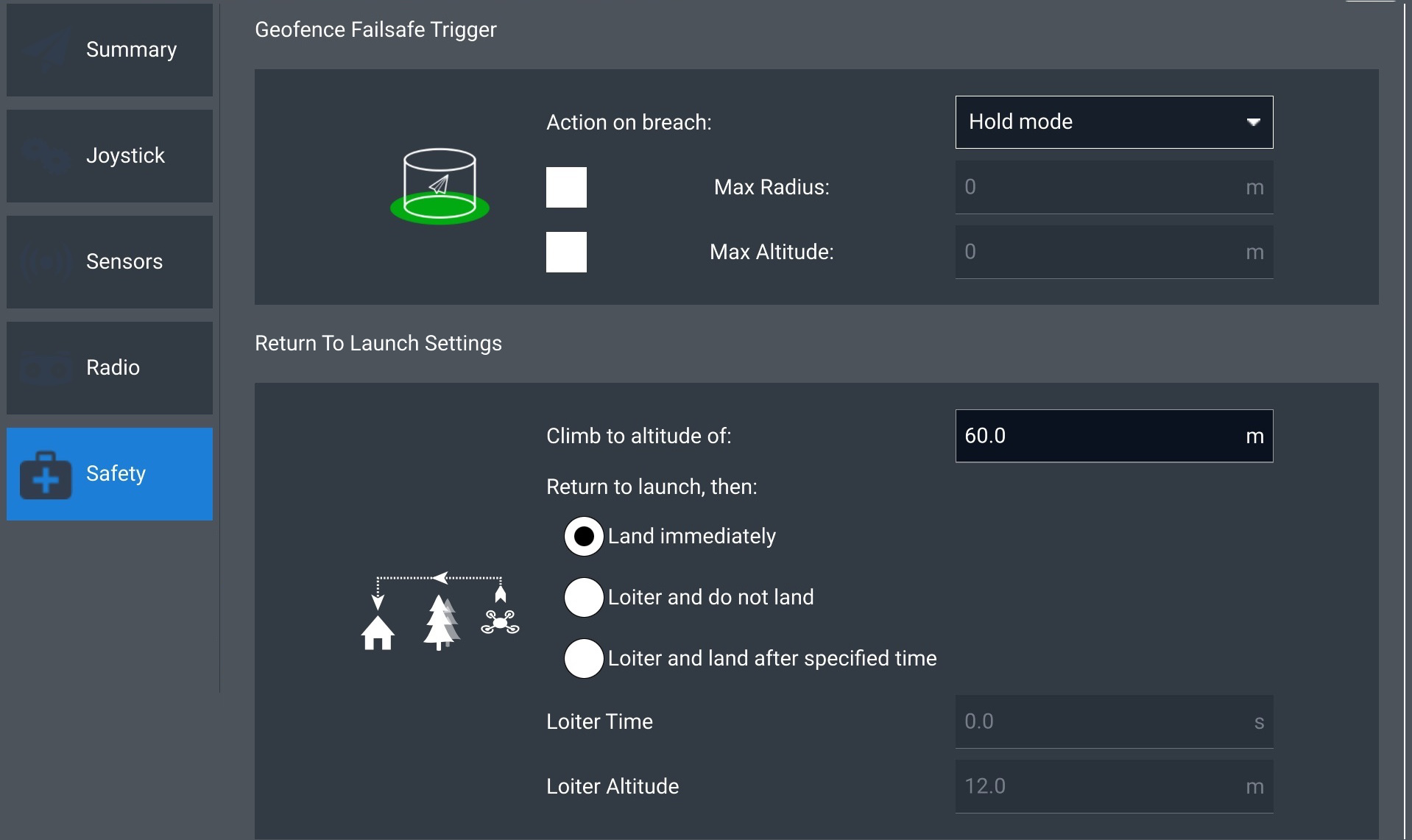
This screen is essential to operating your aircraft safely. Ensure that the altitude under Return To Launch Settings is higher than the tallest obstructing obstacle. For instance, if your mission takes place near a 65m tree, a return altitude of 60m is insufficient. If an RTL triggers while the aircraft and the landing point are on opposite sides of this tree and you are unable to regain control, it is unlikely that the aircraft will return to the ground safely in this scenario.
## Cellular
## WiFi
---
# Agent Instructions
This documentation is published with GitBook. GitBook is the documentation platform designed so that both humans and AI agents can read, navigate, and reason over technical content effectively. Learn more at gitbook.com.
## Querying This Documentation
If you need additional information that is not directly available in this page, you can query the documentation dynamically by asking a question.
Perform an HTTP GET request on the current page URL with the `ask` query parameter, and the optional `goal` query parameter:
```
GET https://docs.freeflysystems.com/ecosystem/software/auterion-mission-control/amc-vehicle-setup.md?ask=&goal=
```
`ask` is the immediate question: it should be specific, self-contained, and written in natural language.
`goal` is optional and describes the broader end goal you are ultimately trying to accomplish on behalf of the user. GitBook uses it to tailor the answer towards what is most useful for that goal.
The response will contain a direct answer to the question and relevant excerpts and sources from the documentation.
Use this mechanism when the answer is not explicitly present in the current page, you need clarification or additional context, or you want to retrieve related documentation sections.