> For the complete documentation index, see [llms.txt](https://docs.freeflysystems.com/llms.txt). Markdown versions of documentation pages are available by appending `.md` to page URLs; this page is available as [Markdown](https://docs.freeflysystems.com/ecosystem/payloads/wiris-pro-thermal/glossary.md).
# Glossary
Term definitions!
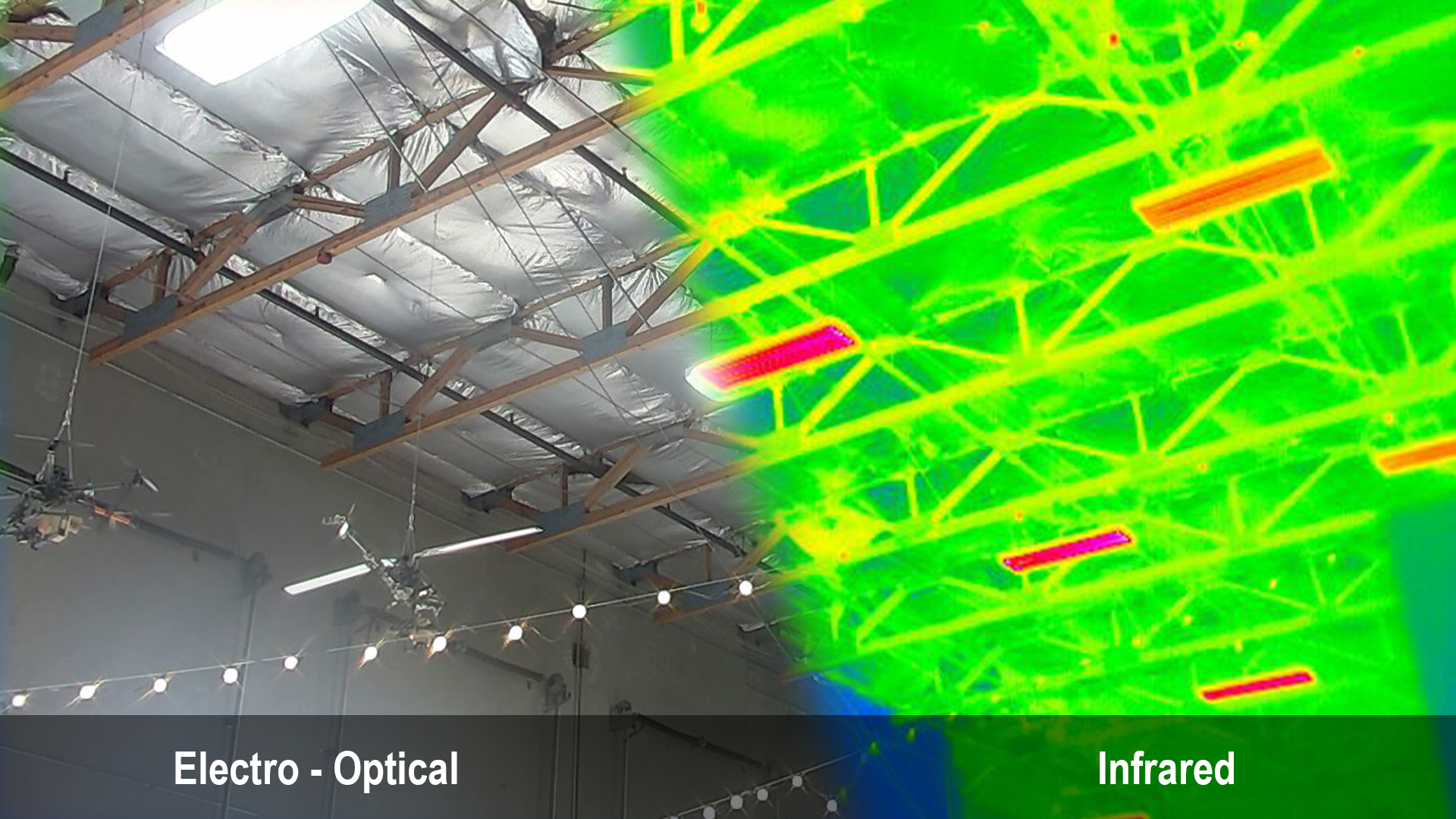
## EO / IR
EO and IR refer to types of photographic sensors.
* EO stands for "Electro-Optical", and functions as a standard camera for capturing visible light, just like any smartphone camera.
* IR stands for "Infrared", and functions to capture thermal data in a video stream. Temperatures are mapped to colors with a variety of ranges, color pallets, and thresholds available depending on your specific use.
## FOV
FOV stands for "Field of View", and is represented by an angle, typically in degrees. Think of it as a cone expanding out infinitely in front of a lens with the width defined as an angle. Anything within this cone is visible in your image.
* HFOV and VFOV are commonly used to describe the horizontal and vertical field of view, respectively.
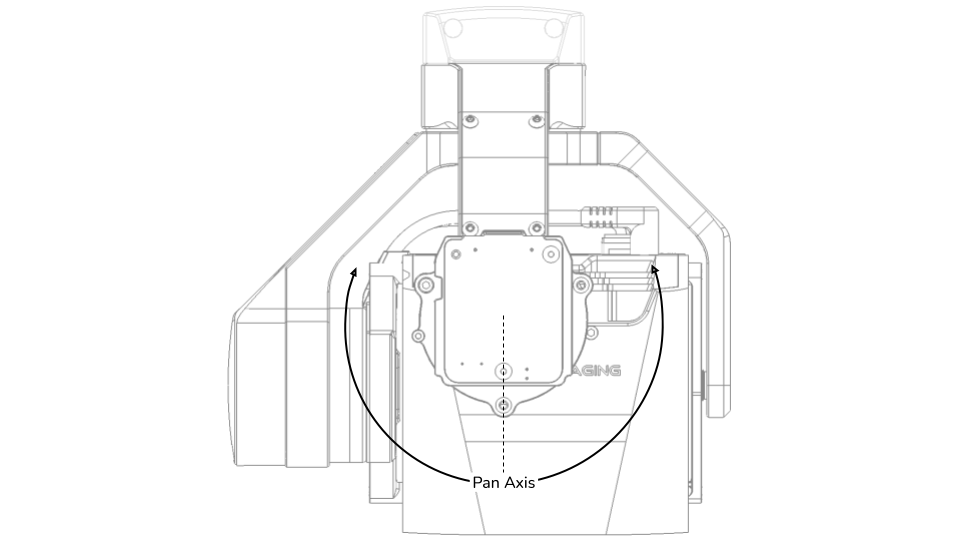
## Pan, Roll, Tilt
These refer to the axis on which your gimbal can rotate.
* Pan controls left-to-right rotation. It uses the motor at the very top of your gimbal and is controlled via the direction of your aircraft. Pan may be adjusted using the yaw control on your aircraft.
* Roll controls the horizon of your camera. The motor is located at the back of your gimbal, behind the camera, and it is updated automatically to keep your camera level to the horizon.
* Tilt controls the angle of the camera vertically, allowing you to point down, up, level, or anything in between. The aircraft operator can control tilt using the tilt wheel on the top left of the Herelink controller.
---
# Agent Instructions
This documentation is published with GitBook. GitBook is the documentation platform designed so that both humans and AI agents can read, navigate, and reason over technical content effectively. Learn more at gitbook.com.
## Querying This Documentation
If you need additional information that is not directly available in this page, you can query the documentation dynamically by asking a question.
Perform an HTTP GET request on the current page URL with the `ask` query parameter, and the optional `goal` query parameter:
```
GET https://docs.freeflysystems.com/ecosystem/payloads/wiris-pro-thermal/glossary.md?ask=&goal=
```
`ask` is the immediate question: it should be specific, self-contained, and written in natural language.
`goal` is optional and describes the broader end goal you are ultimately trying to accomplish on behalf of the user. GitBook uses it to tailor the answer towards what is most useful for that goal.
The response will contain a direct answer to the question and relevant excerpts and sources from the documentation.
Use this mechanism when the answer is not explicitly present in the current page, you need clarification or additional context, or you want to retrieve related documentation sections.
.png?alt=media)
.png?alt=media)
.png?alt=media)