> For the complete documentation index, see [llms.txt](https://docs.freeflysystems.com/llms.txt). Markdown versions of documentation pages are available by appending `.md` to page URLs; this page is available as [Markdown](https://docs.freeflysystems.com/astro/pilots-operating-handbook/essential-software/auterion-mission-control/amc-fly.md).
# AMC - Fly
The fly screen shows a live feed of either the camera feed or an overhead map view.
## Camera View
This screen includes a live camera feed, telemetry, and camera/gimbal control. You can also launch uploaded missions or take off using the touch screen.
## Map View
This screen shows the nearby satellite map, as well as the currently uploaded mission when applicable.
## Pre-Flight Checklist
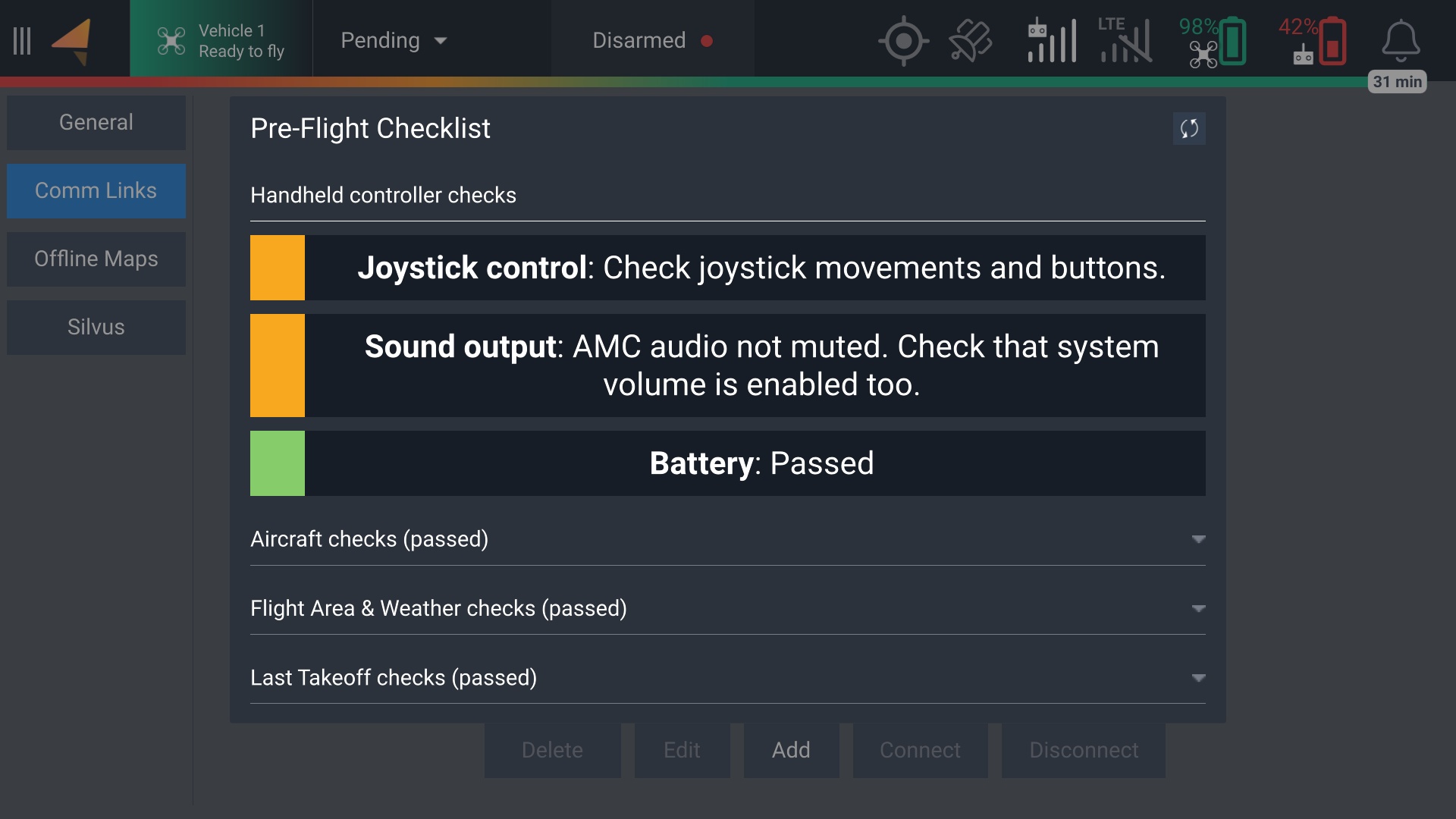
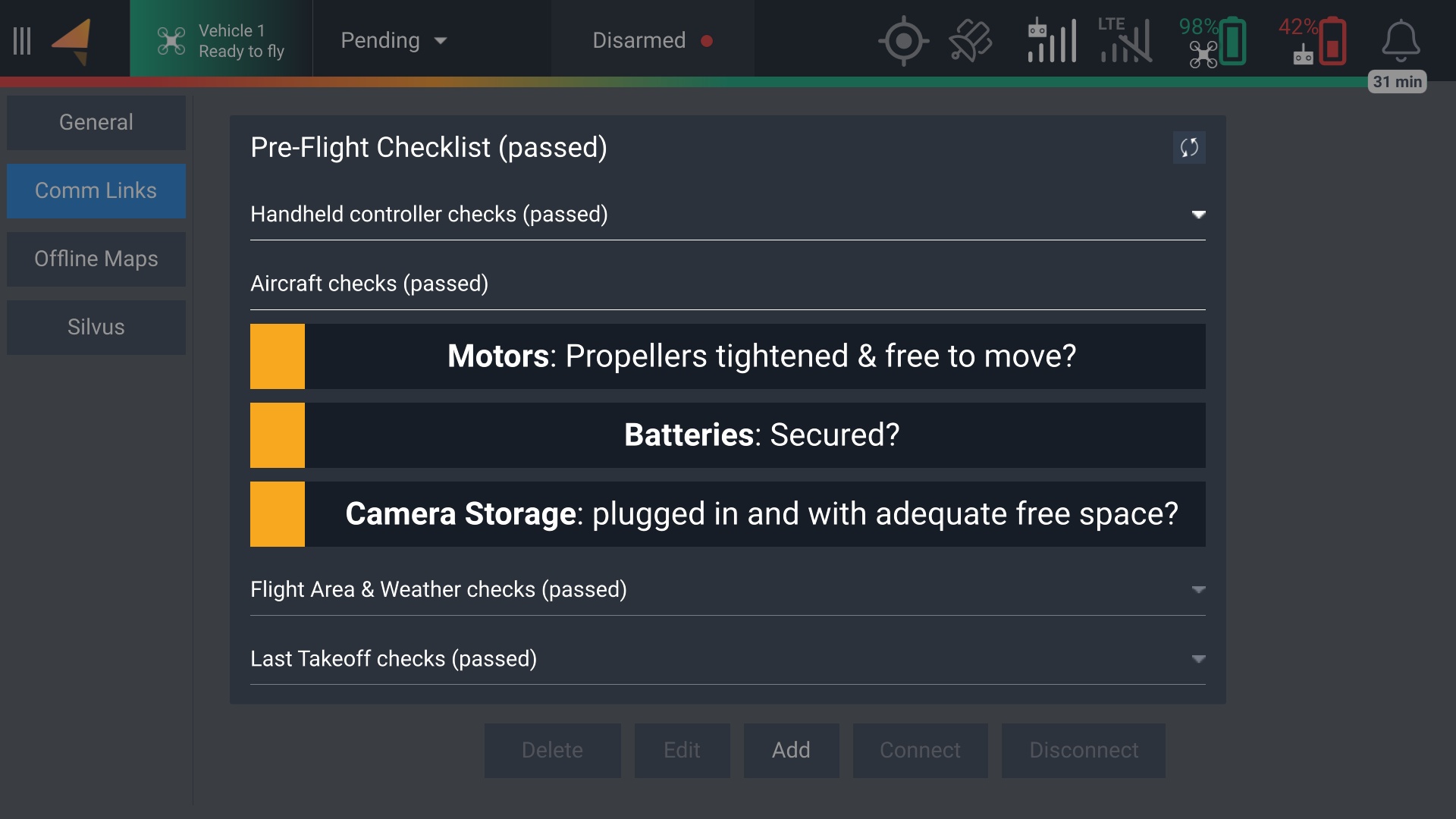
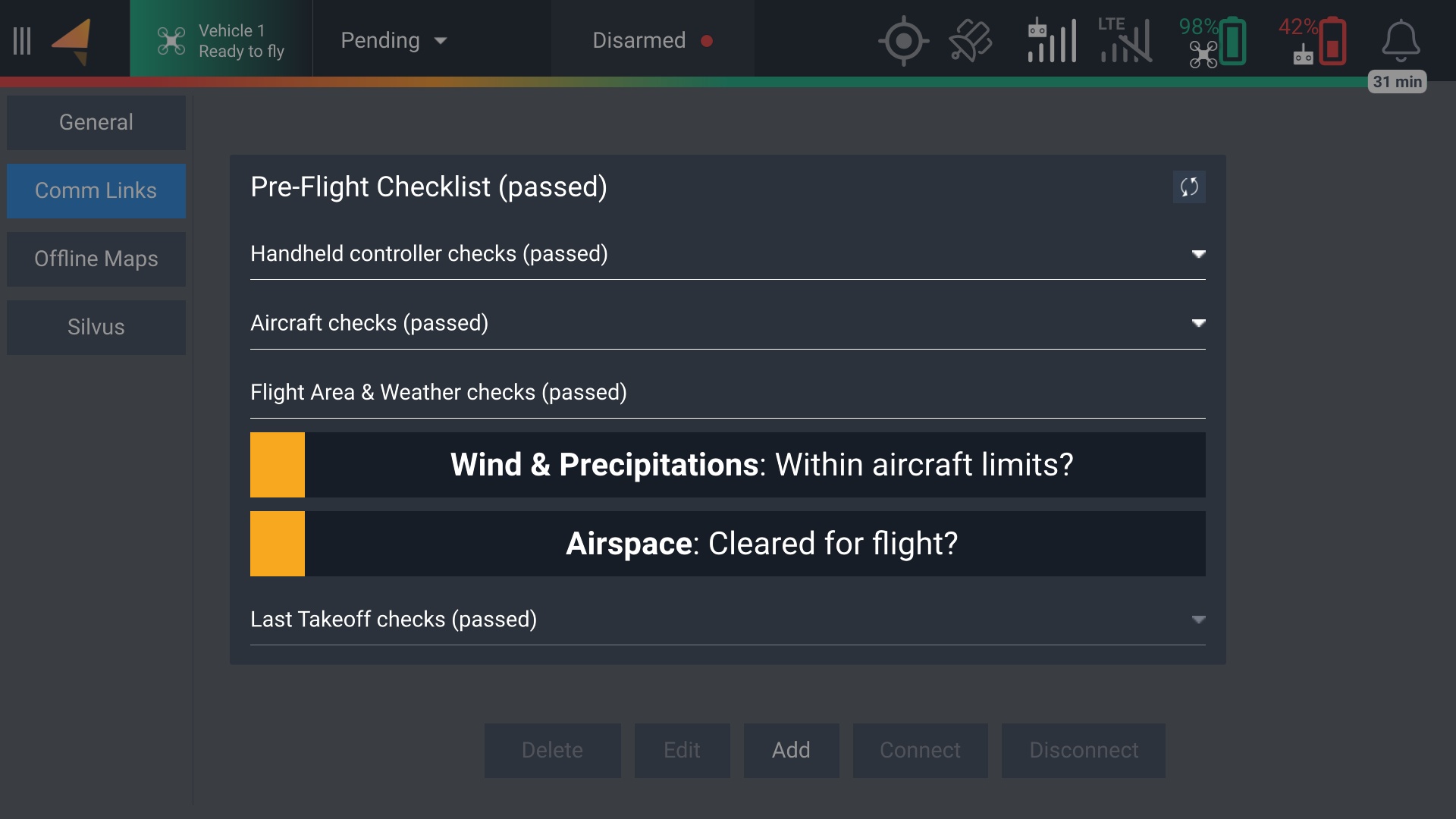
An optional checklist to assess the requirements of flying a safe mission or manual flight. This checklist can be accessed by tapping the Vehicle box near the top-left corner of the screen. Tapping the yellow boxes turns them green, allowing you to manually verify each item before takeoff.
Red items represent warnings or errors. Some items will prevent takeoff if there is an associated warning or error, such as insufficient battery power. Others will allow for takeoff with some limited usage. In the example below, there is no GPS signal, so the aircraft will only be capable of taking off in Manual mode.
---
# Agent Instructions
This documentation is published with GitBook. GitBook is the documentation platform designed so that both humans and AI agents can read, navigate, and reason over technical content effectively. Learn more at gitbook.com.
## Querying This Documentation
If you need additional information that is not directly available in this page, you can query the documentation dynamically by asking a question.
Perform an HTTP GET request on the current page URL with the `ask` query parameter, and the optional `goal` query parameter:
```
GET https://docs.freeflysystems.com/astro/pilots-operating-handbook/essential-software/auterion-mission-control/amc-fly.md?ask=&goal=
```
`ask` is the immediate question: it should be specific, self-contained, and written in natural language.
`goal` is optional and describes the broader end goal you are ultimately trying to accomplish on behalf of the user. GitBook uses it to tailor the answer towards what is most useful for that goal.
The response will contain a direct answer to the question and relevant excerpts and sources from the documentation.
Use this mechanism when the answer is not explicitly present in the current page, you need clarification or additional context, or you want to retrieve related documentation sections.